LinkVion SCADA
A SCADA you draw and run in the browser, nothing to install
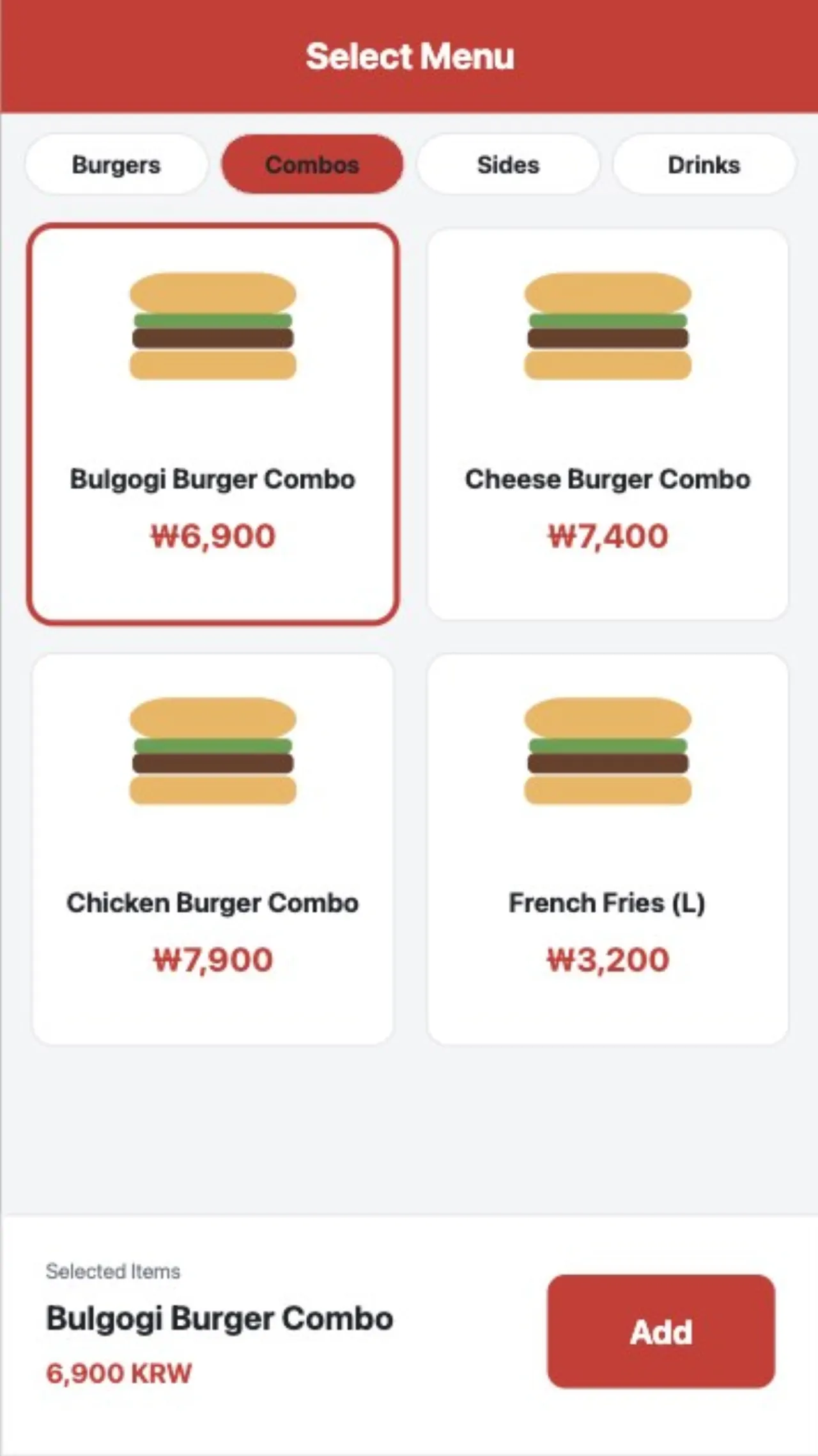
Place shapes, symbols, charts, tables and cameras, bind them to tags and the screen runs. The same engine builds control-room walls, digital signage and kiosks.
Design
Design and run in one place
- Elements — text, shapes, images, symbols, charts, tables, media, event lists, cameras, maps, frames, 3D models, repeaters
- 71 symbols — valves, rotating machines, vessels, instruments, piping, conveying, electrical, dashboards
- Bindings — value, color, visibility, rotation, level, flow, colors by threshold
- Controls — buttons, toggles, sliders, numeric input, navigation; confirmation before writing; write buttons by role
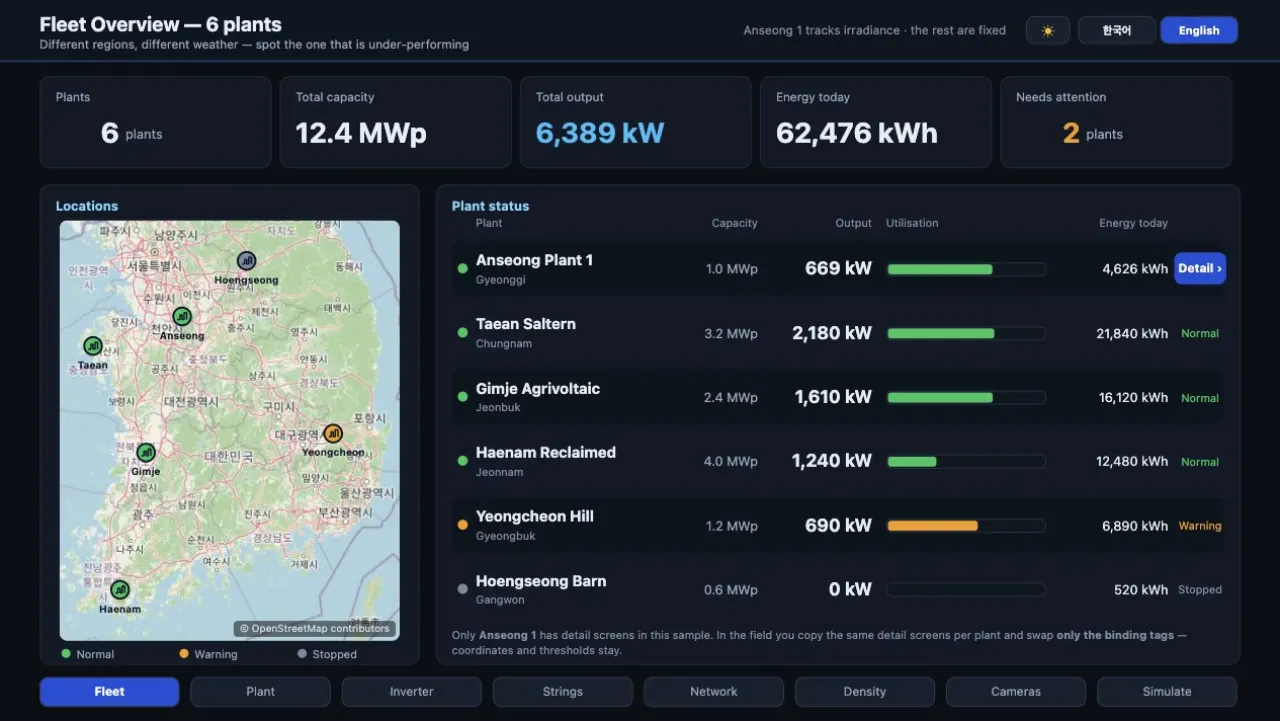
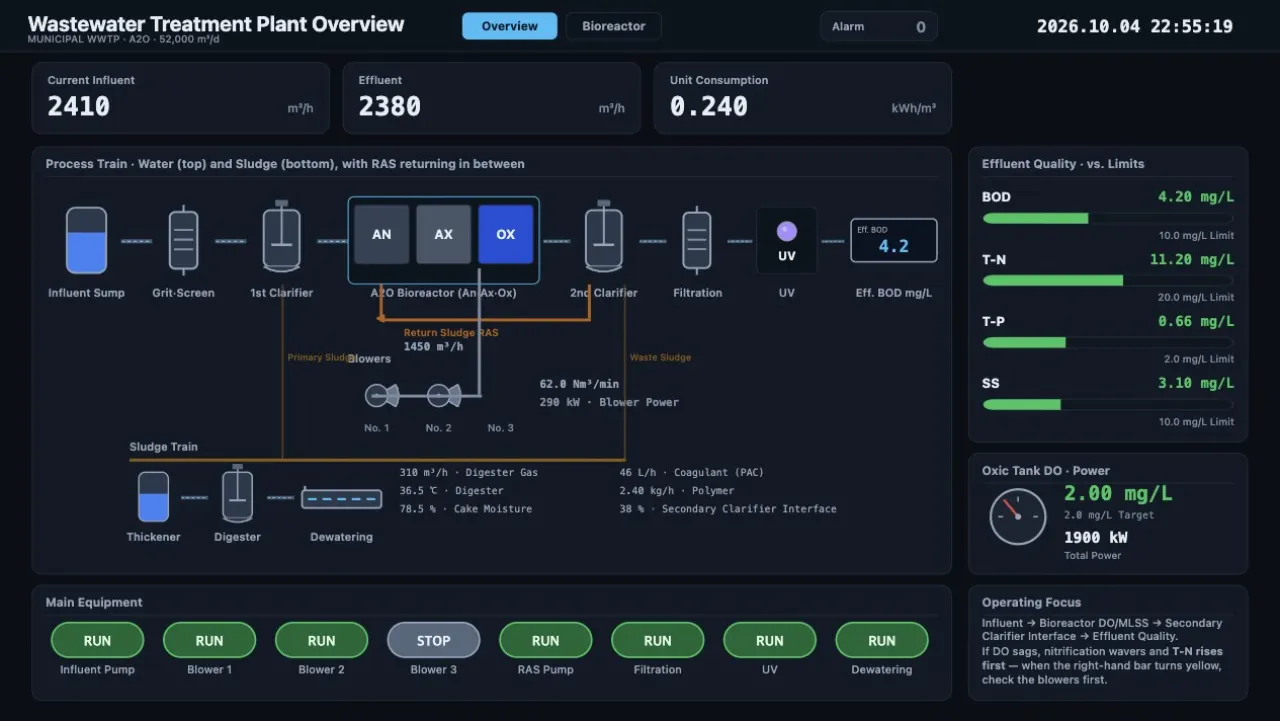
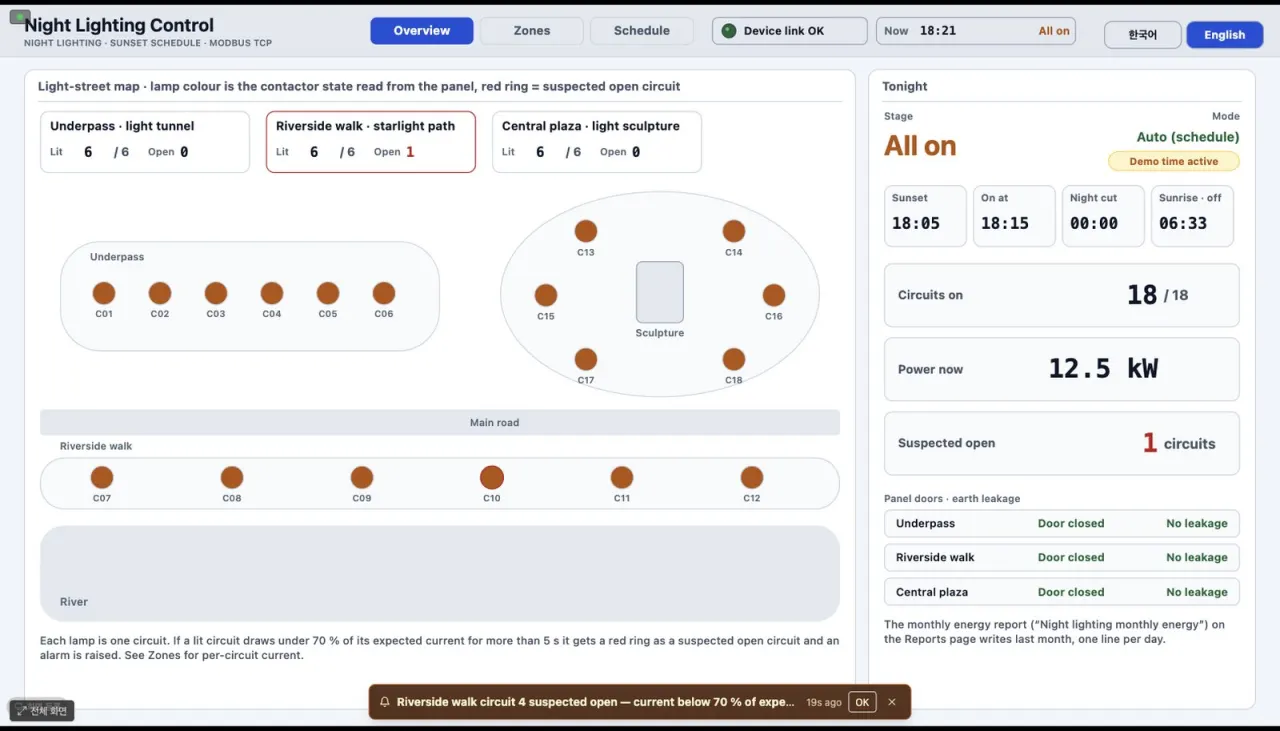
- 57 built-in screens — process, energy, control room, signage, kiosk, feature examples
- Themes · languages — light and dark; one screen in Korean and English via a translation table
Many screens · phones
Multi-monitor windows, phone layouts, master backgrounds and menu frames, live trends. Runtime mode hides configuration menus.
3D models
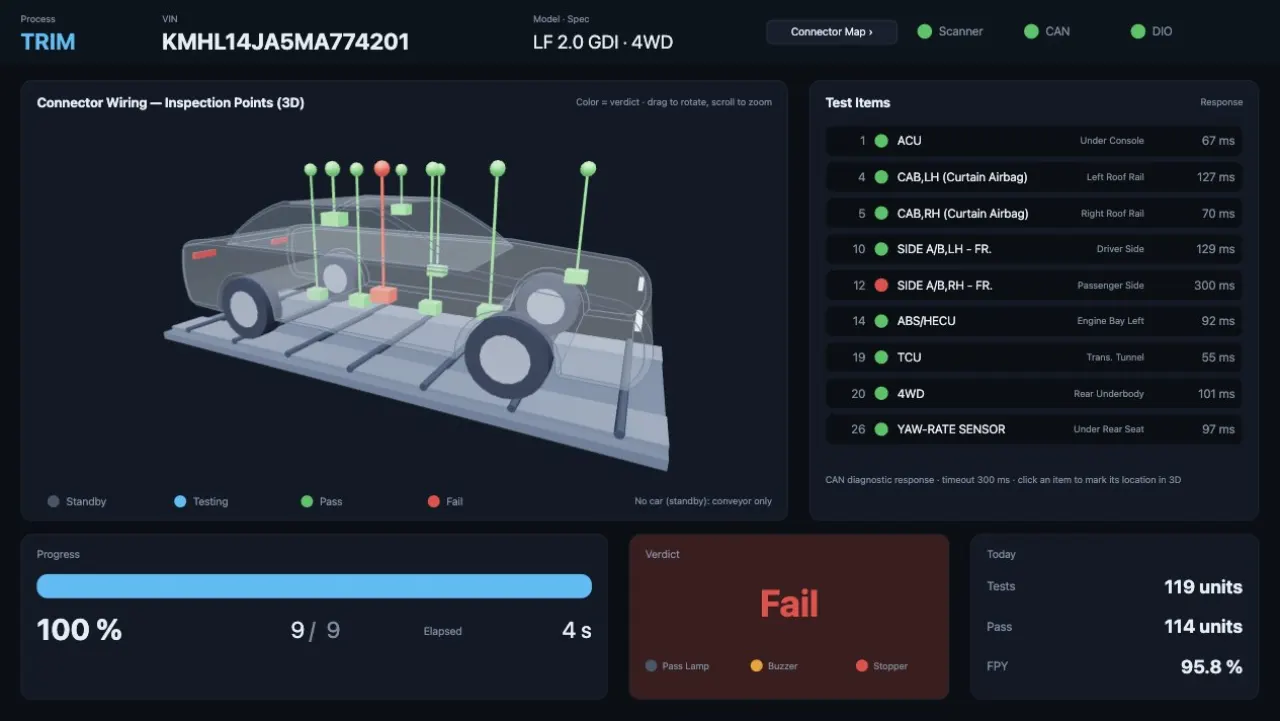
Bind color, visibility, rotation and highlight to each part of a glTF model; pick parts in the preview.
Barcode · scanning
Continuous Bluetooth or USB scanner input with no button, and phone-camera barcode reading on screens opened over HTTPS.
Digital signage
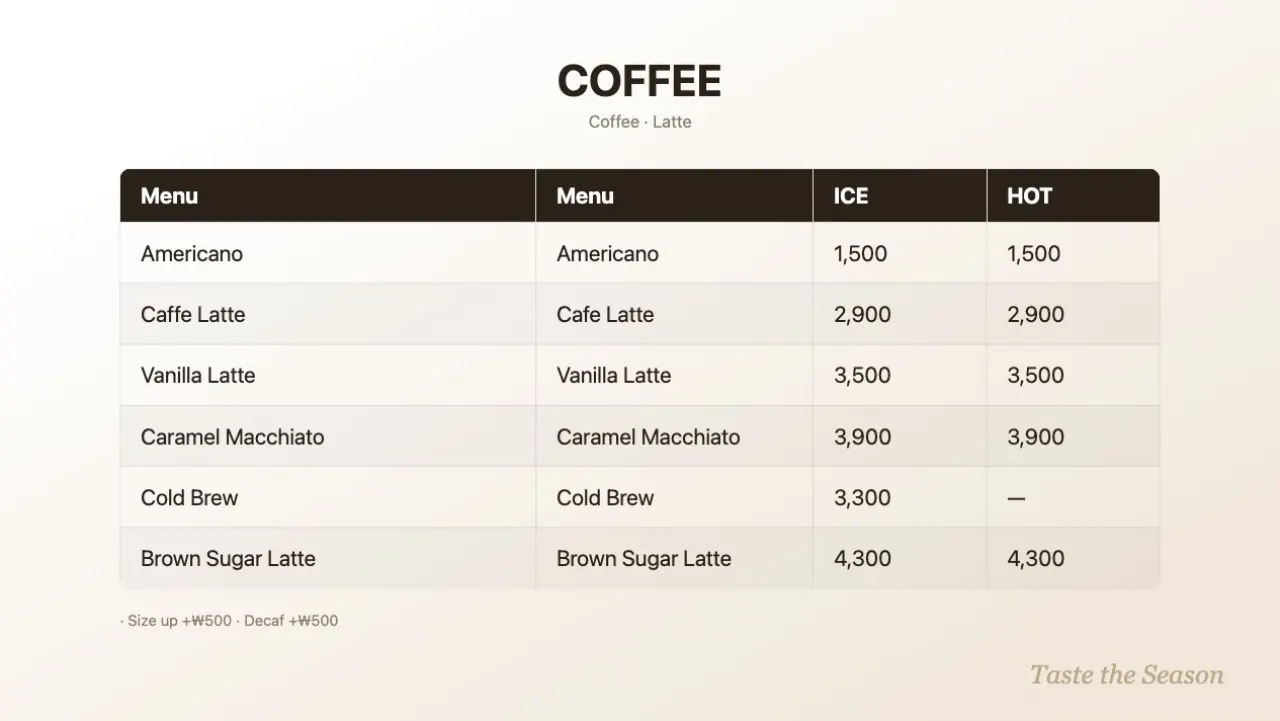
Display registry, group schedules (hours, weekdays), emergency screens, proof-of-play CSV, templates, tickers. Play audio or video once on a tag signal.
Cameras · media
Plant values and live video on one screen; video and playlists for notice and ad boards.
Permissions · audit
Login, roles (viewer, operator, admin) and an audit log. Operations write through a confirmation dialog.
Screen examples
From samples and built-in screens