
23 bundled samples · release 0.1.0.24
Start by opening a sample project
Sample projects ship inside LinkVion. Open one from Project → Samples and its connections, tags, scripts, alarms and screens come in together, with simulated operation running at once. Every screen here is a sample, not a customer project.
Install and log in
Install LinkVion and open it in a browser. The LinkVion Box runs at power-on.
Open a sample
Pick a card in Project → Samples and choose "Open this project". It replaces the current project, so use a test unit.
Map to your equipment
Add device mappings to the sample tag names and the screens, alarms and reports keep working.
Device connections are shown by "Food plant" and the four 0.1.0.11 samples: the gateway reads a Modbus slave it opens on itself, so quality, link loss and recovery really happen without outside equipment. Vision samples use folder-playback cameras and need the vision module. The rest use virtual tags. In the trial, samples within its limits (50 tags, 5 screens) open in full.
Process & equipment
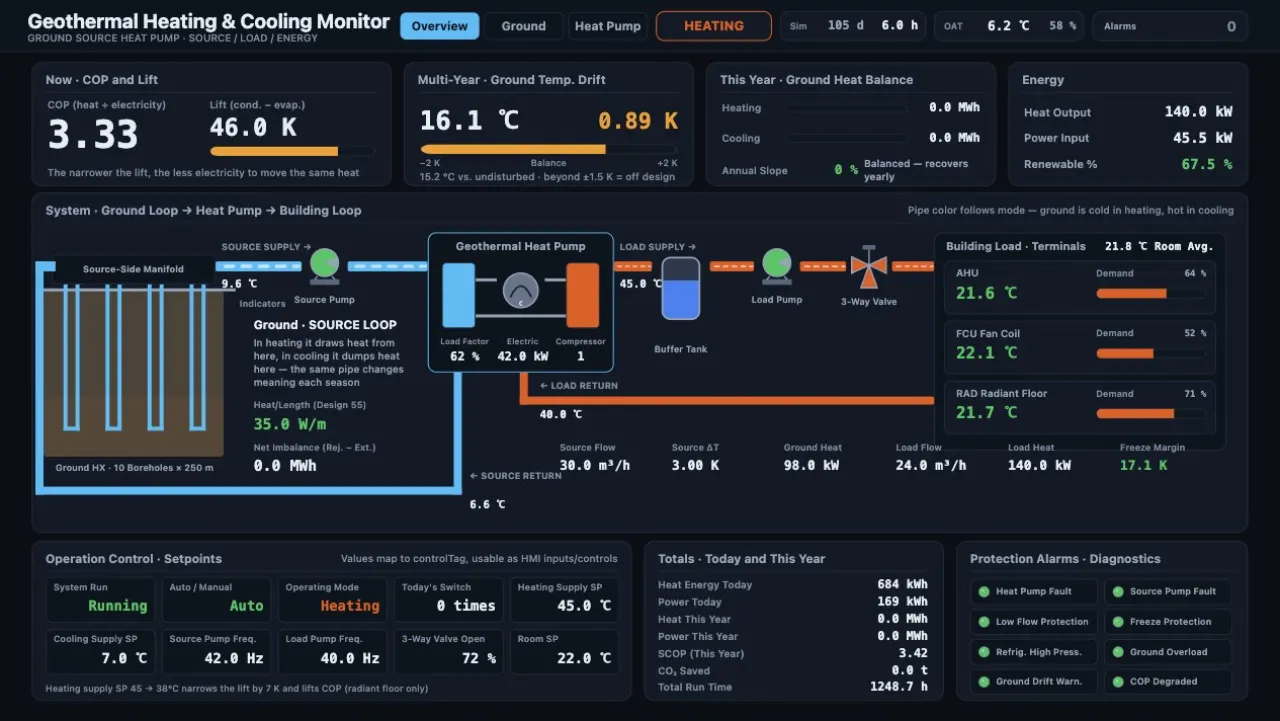
Ground source heat pump (GSHP)
118 tags · 6 alarms · 1 script · 1 screen
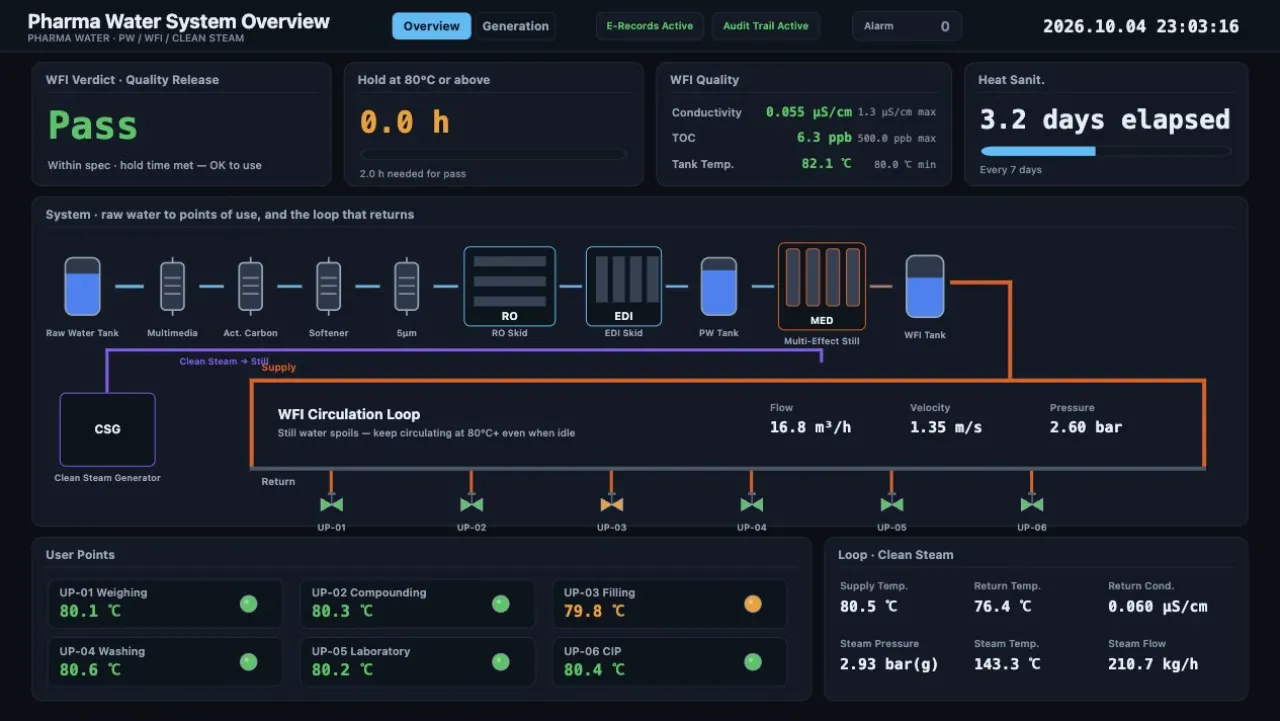
Pharmaceutical water (PW/WFI)
67 tags · 6 alarms · 1 screen
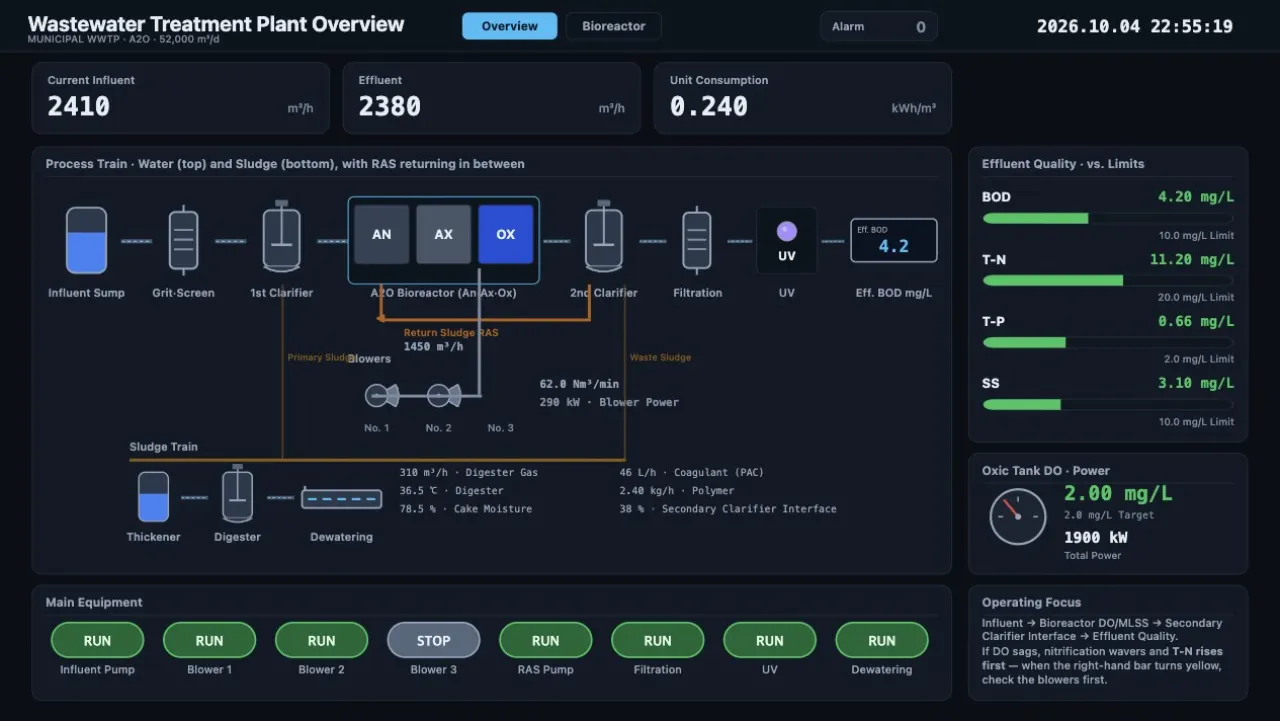
Wastewater treatment plant
57 tags · 5 alarms · 2 screens (operation, on-call phone)
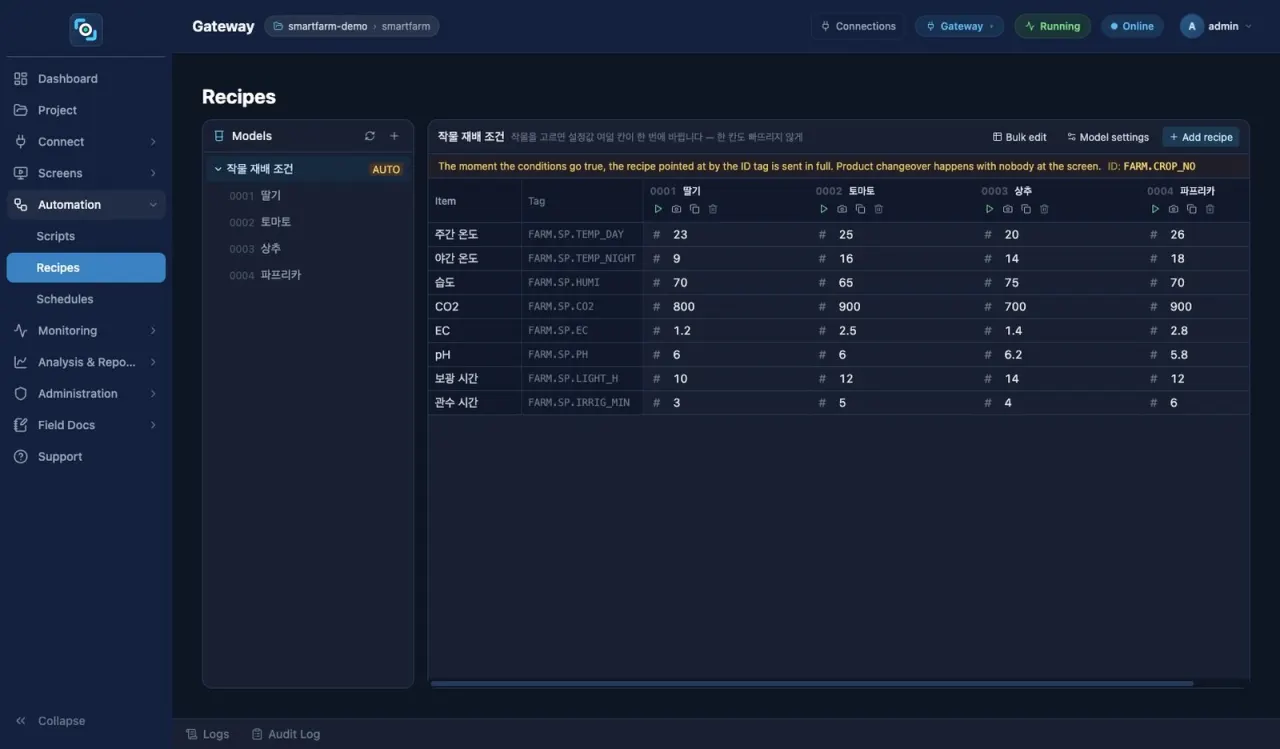
Smart farm greenhouse
31 tags · 7 alarms · 4 analytics channels · 1 recipe (4 crops)
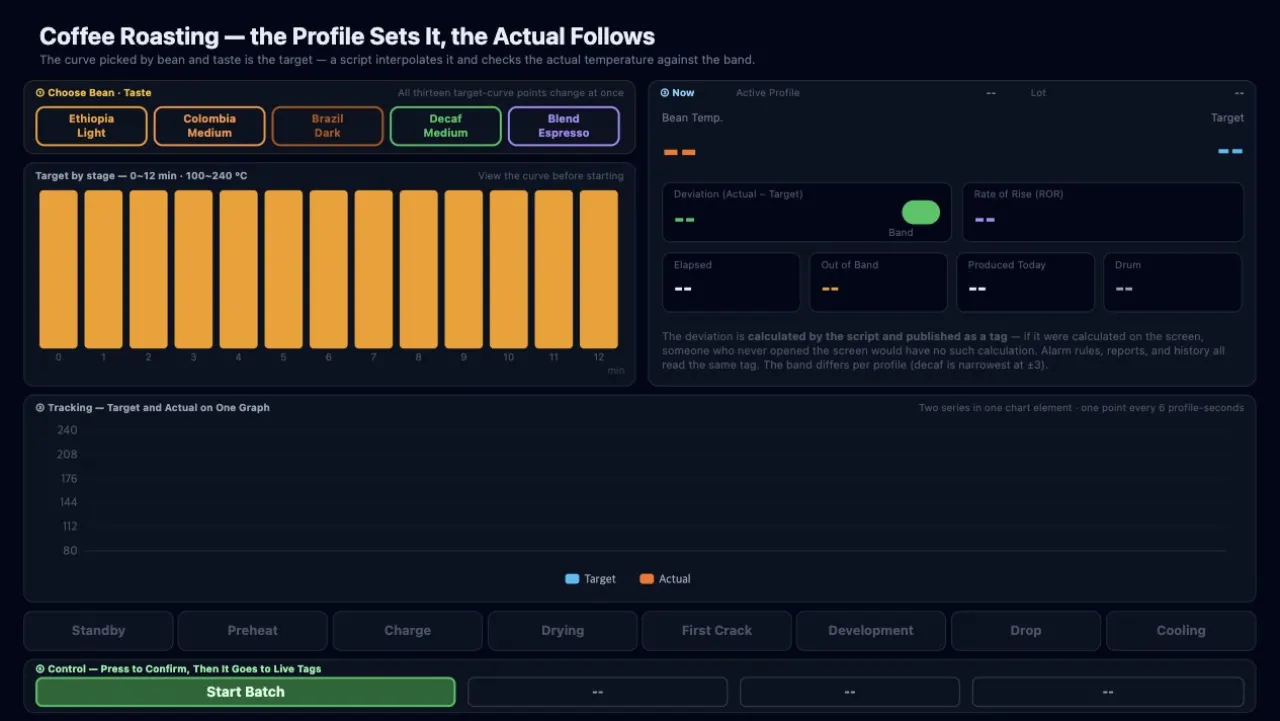
Coffee roasting — profile watch
38 tags · 1 recipe (5 profiles) · 2 schedules · 1 report
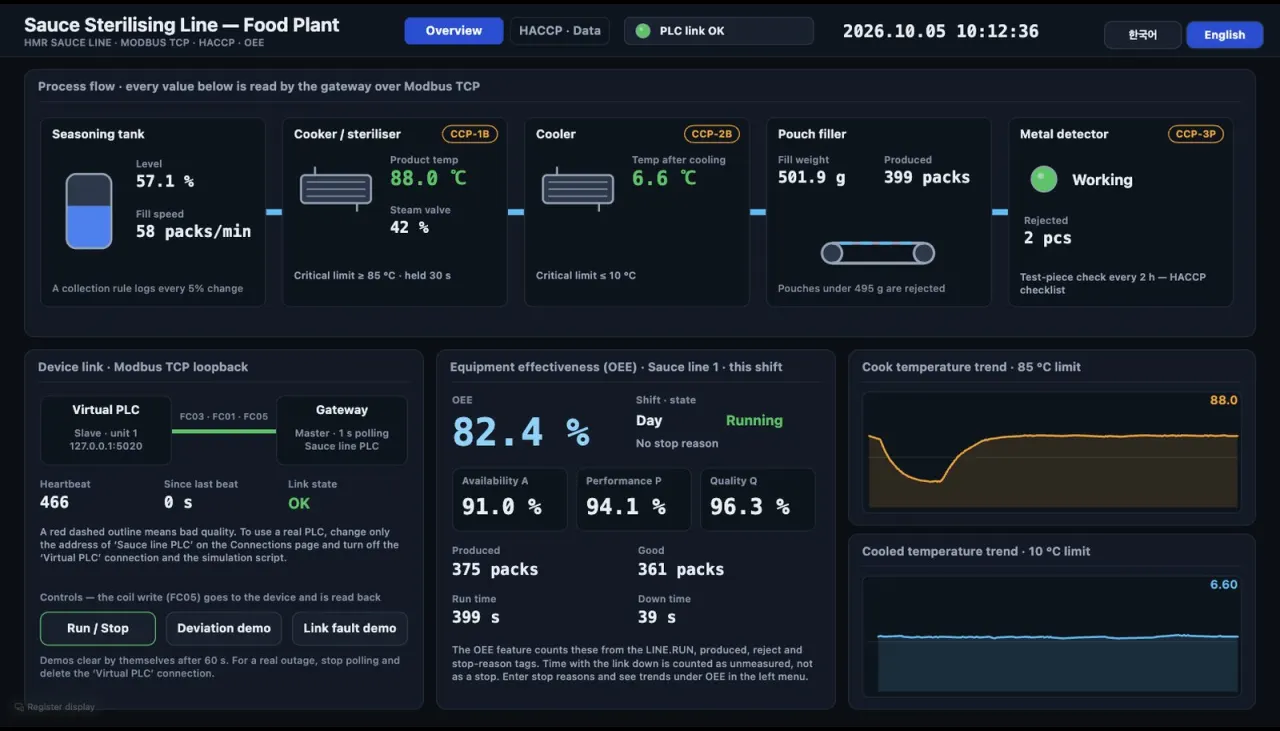
Food plant — devices, collection, HACCP, OEE
2 Modbus TCP links · 38 tags · 5 collection rules · 3 HACCP CCPs · 1 OEE machine
Energy & wide area
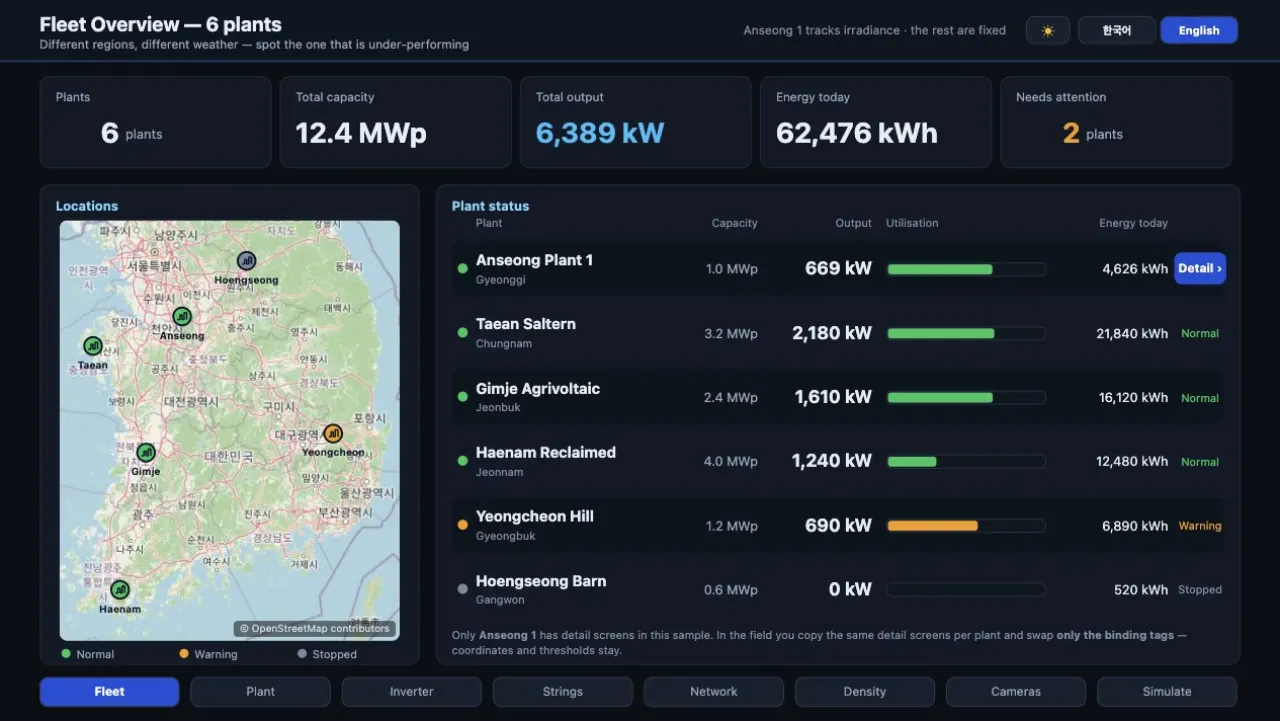
Solar plant monitoring
65 tags · 1 DB link · 2 screens (8 control-room pages, 3 phone pages)
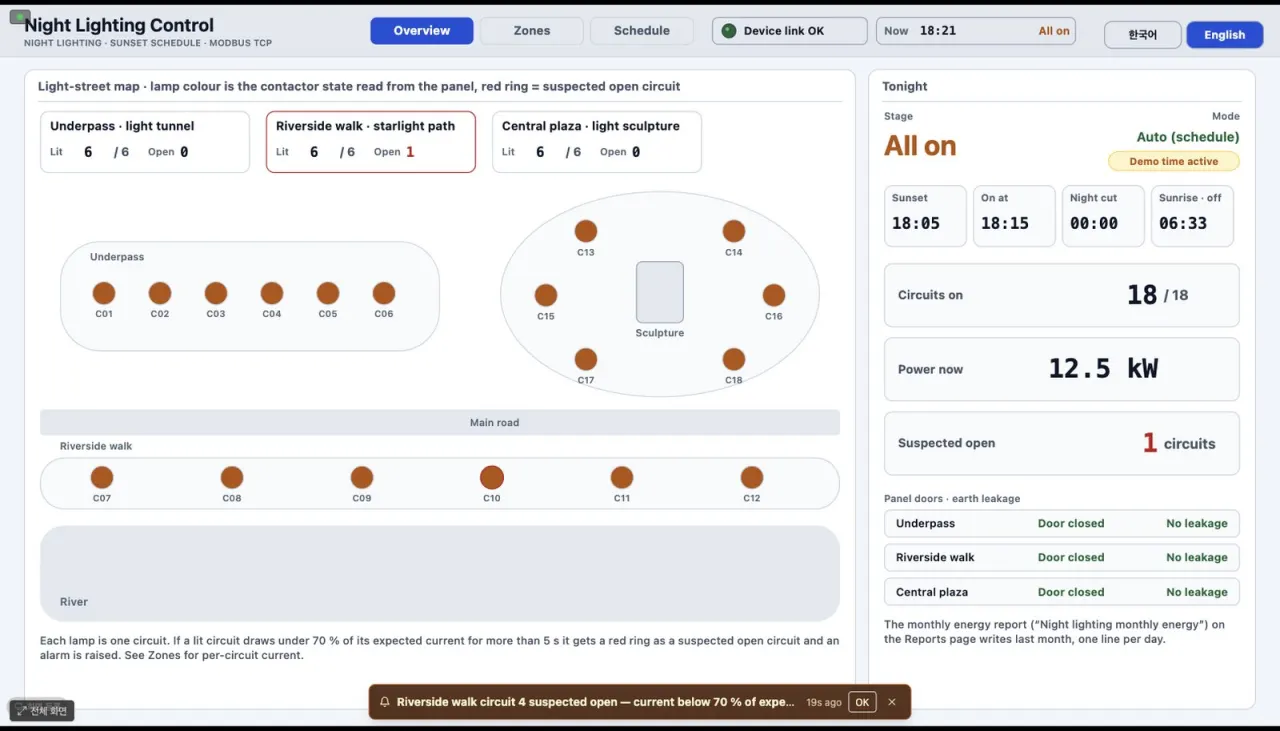
Night landscape lighting
2 Modbus links · 212 tags · 28 alarms · 2 screens (PC, phone)
Control rooms & facilities
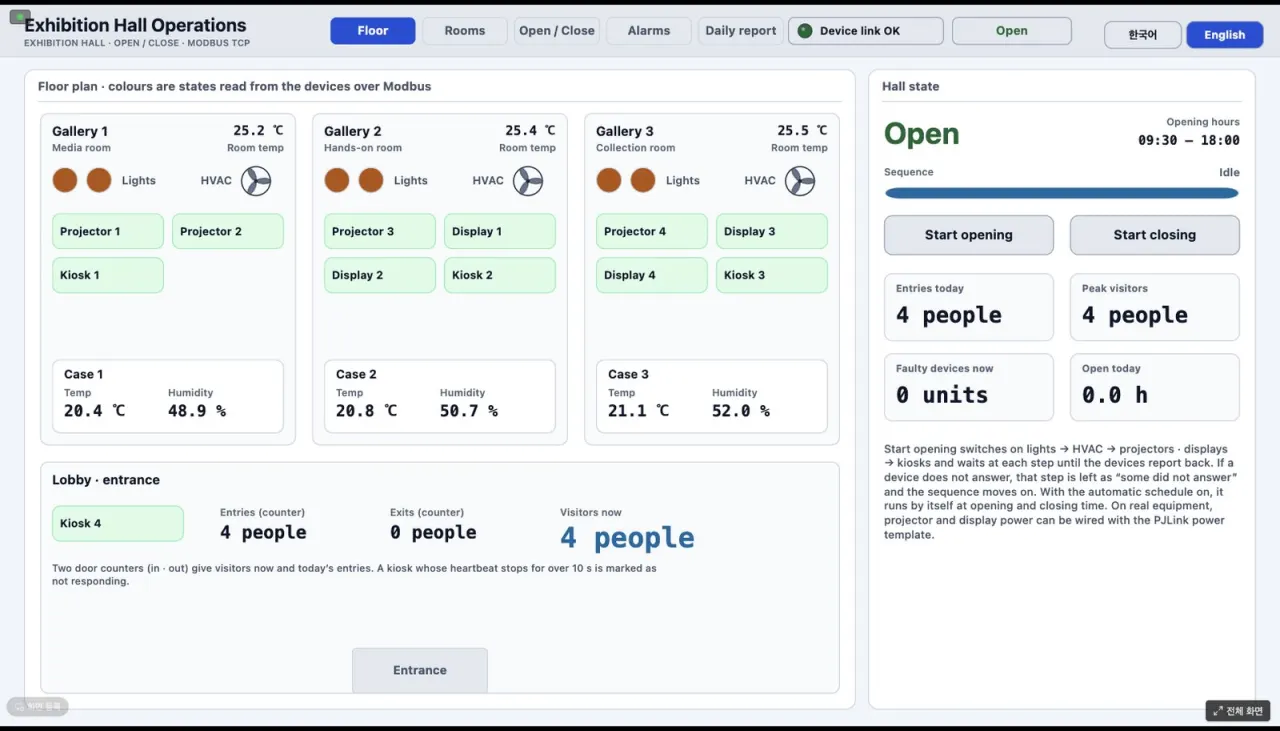
Exhibition hall operation
2 Modbus links · 162 tags · 15 alarms · 1 report
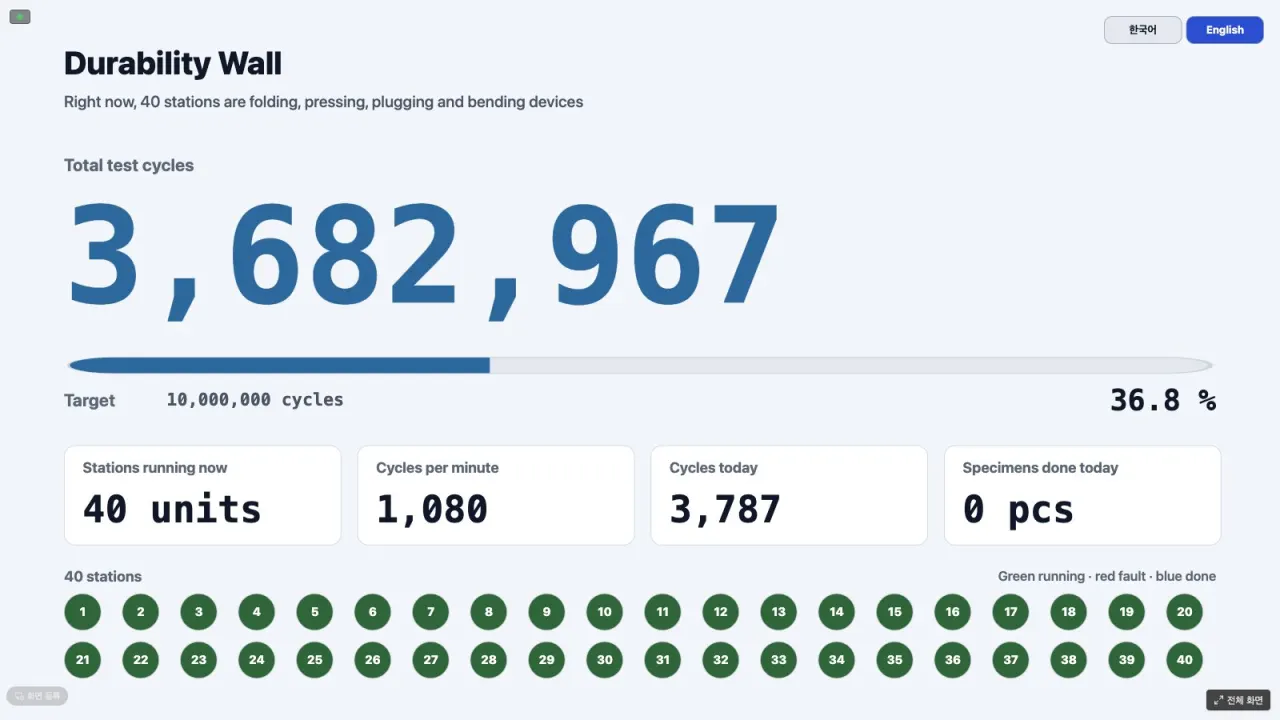
Durability test wall — 40 stations
2 Modbus links · 353 tags · 42 alarms · 2 screens (technician, counter board)
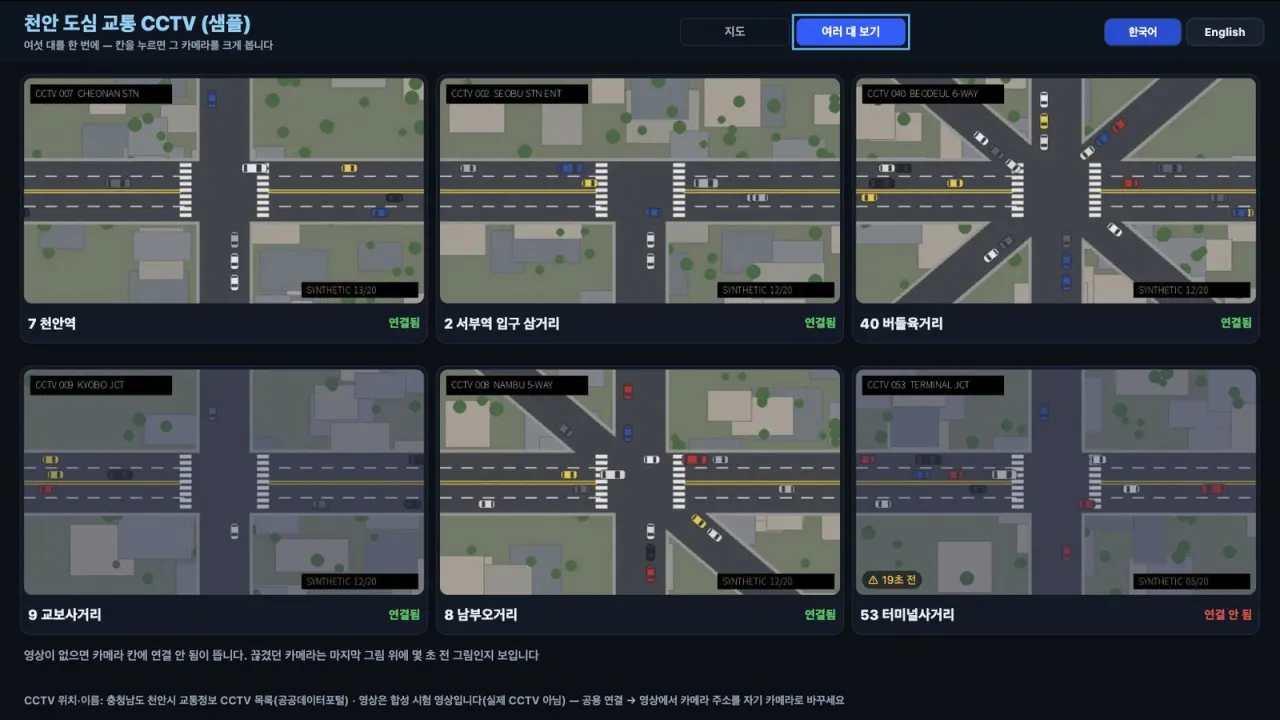
Downtown traffic CCTV viewer
6 cameras · map · 3 × 2 view (synthetic video)
Signage, kiosks & events
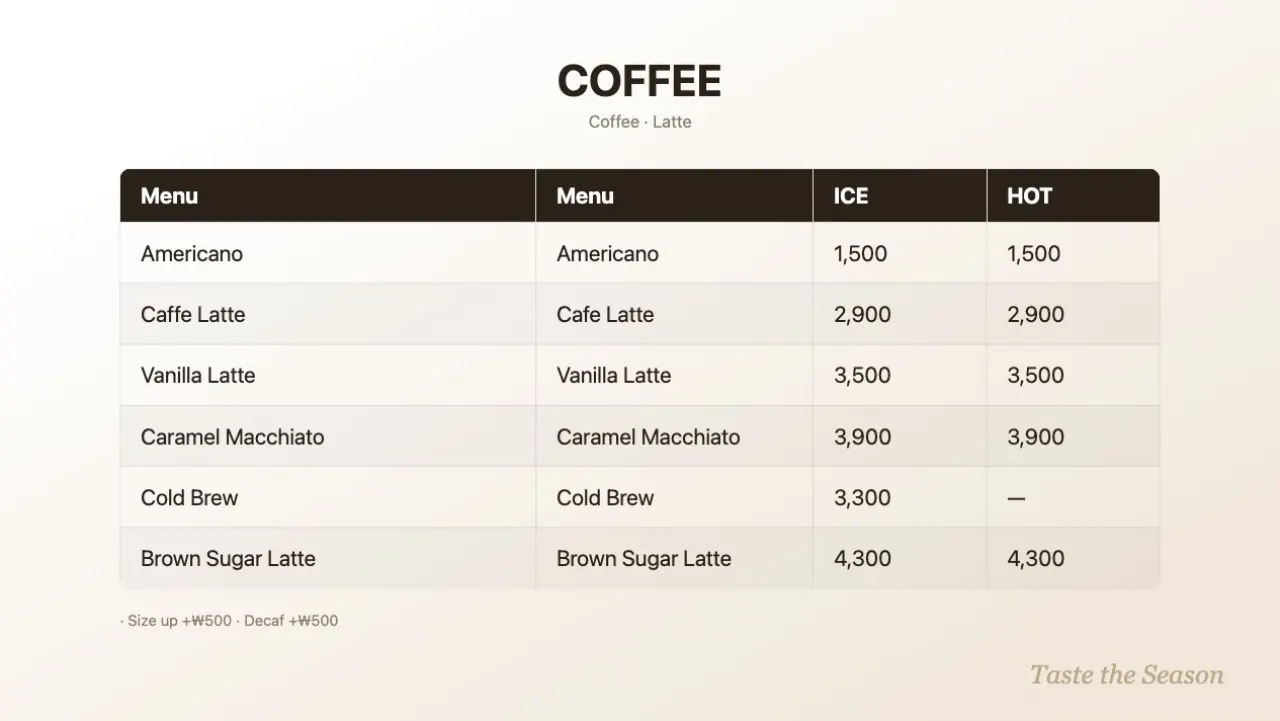
LinkVion signage — lobby, cafeteria, plant
8 screens · 6 schedules · 2 simulated signals
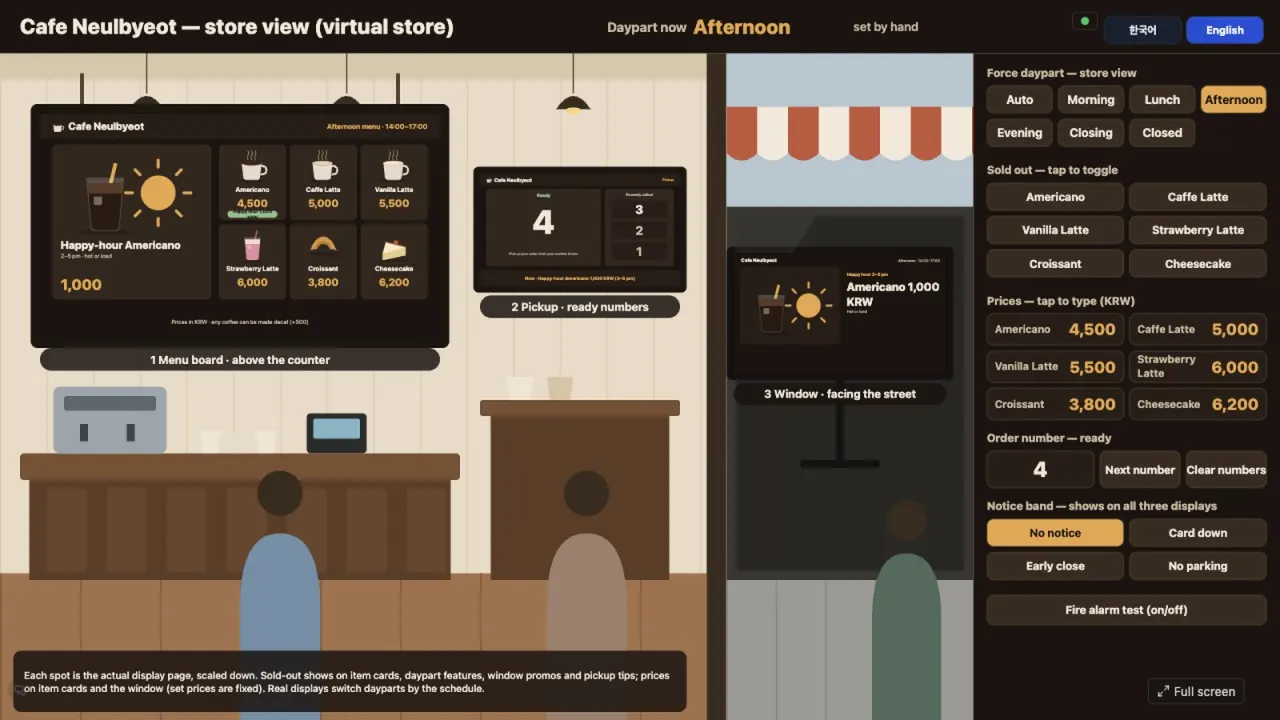
Cafe with three displays — menu, pickup, window
22 tags · 3 registered displays · 19 schedules · phone console
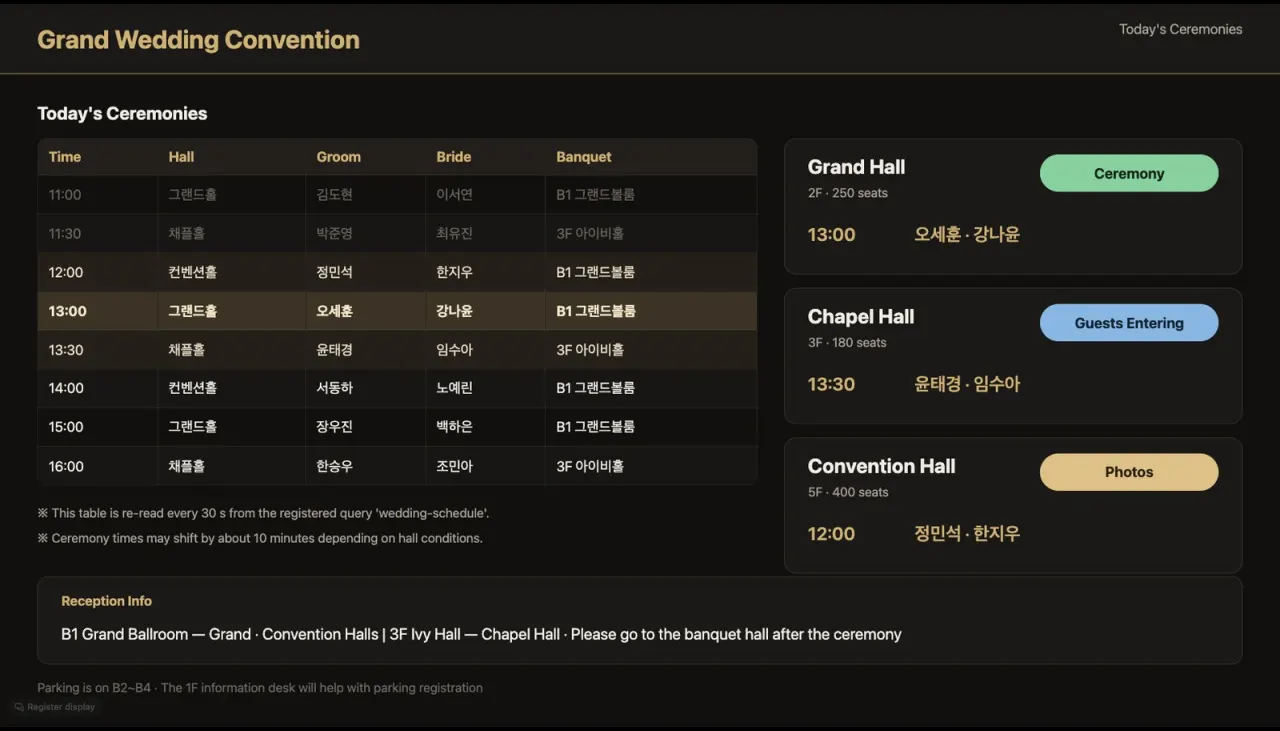
Wedding hall guide · database link
1 DB link · 2 queries · 2 commands · 1 screen
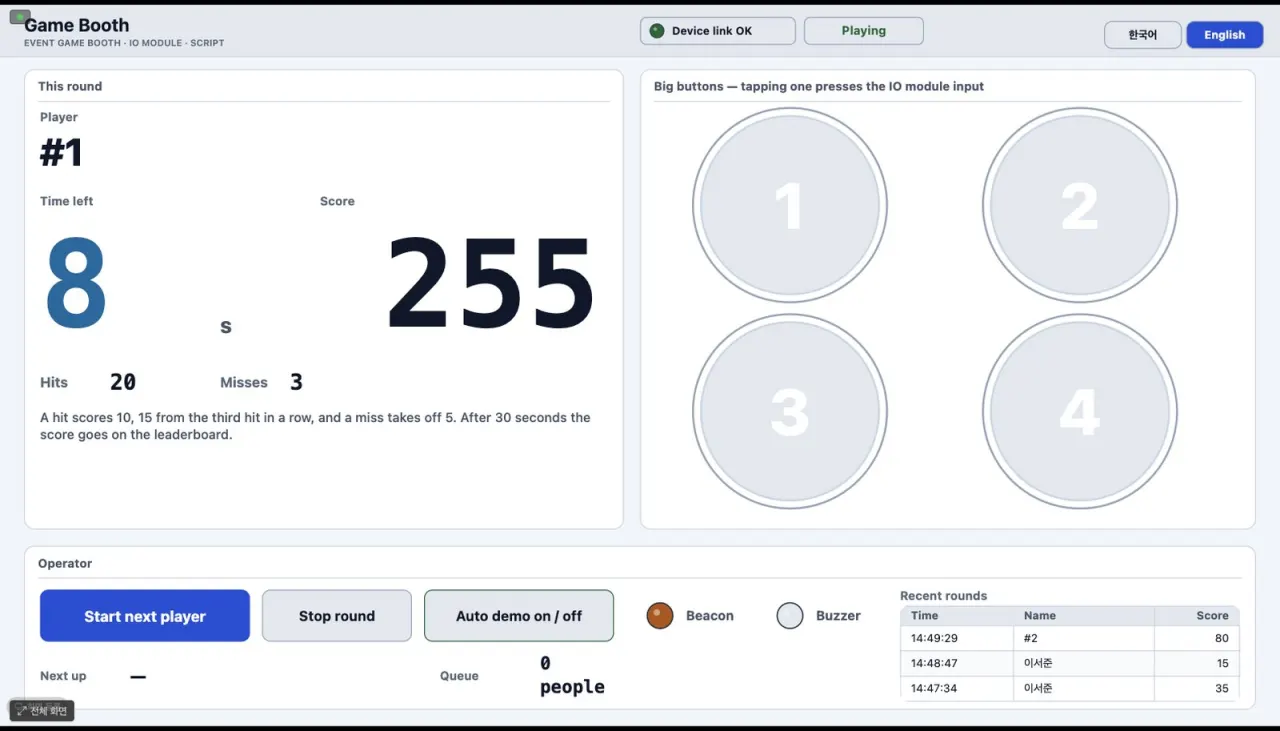
Event game booth
2 Modbus links · 46 tags · 3 screens (entry, game, leaderboard)
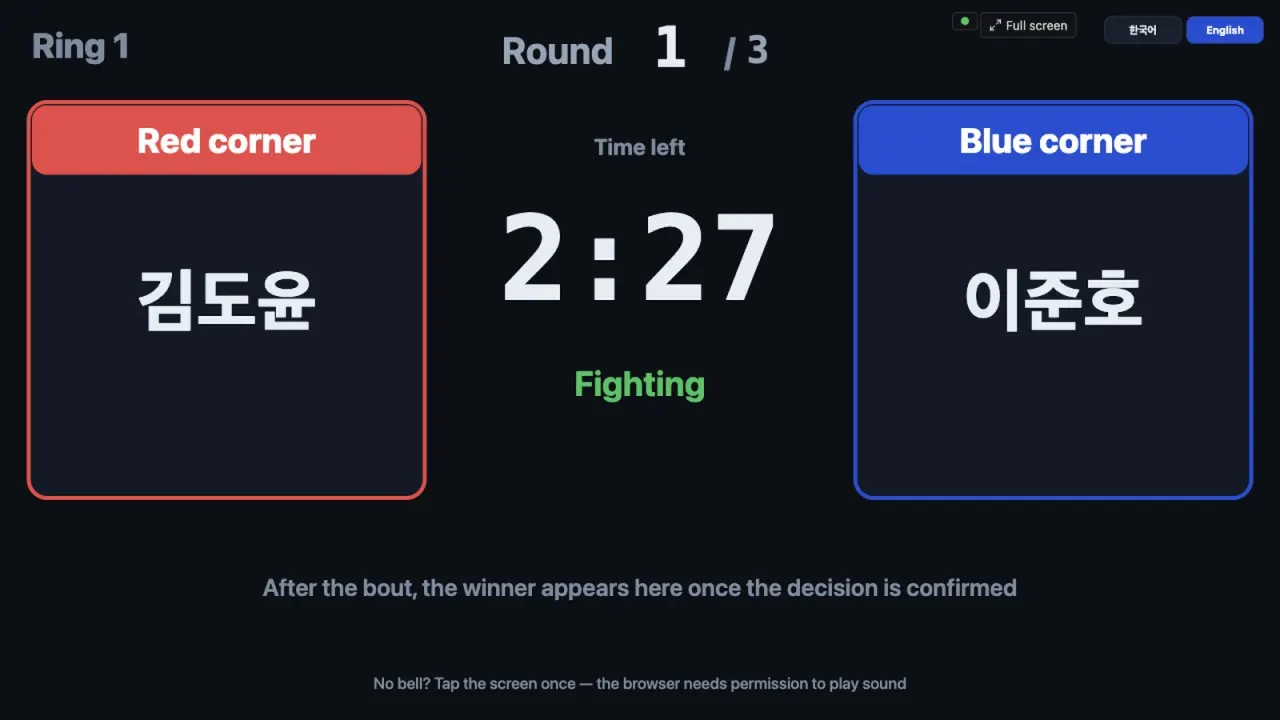
Boxing scoring · scoreboard
272 tags · 13 screens (scoreboard, console, judge tablets)
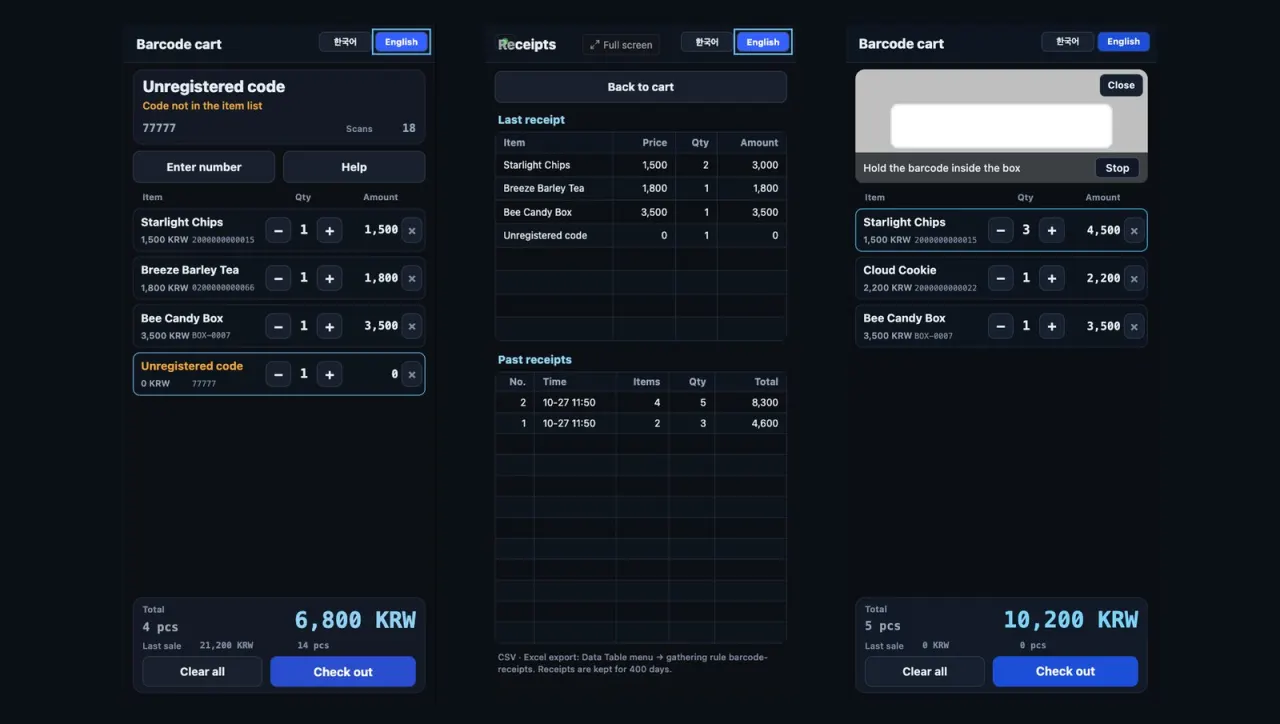
Barcode cart — phone screen
55 tags · 1 collection rule · portrait phone screen · receipt log
Vision (needs the optional module)
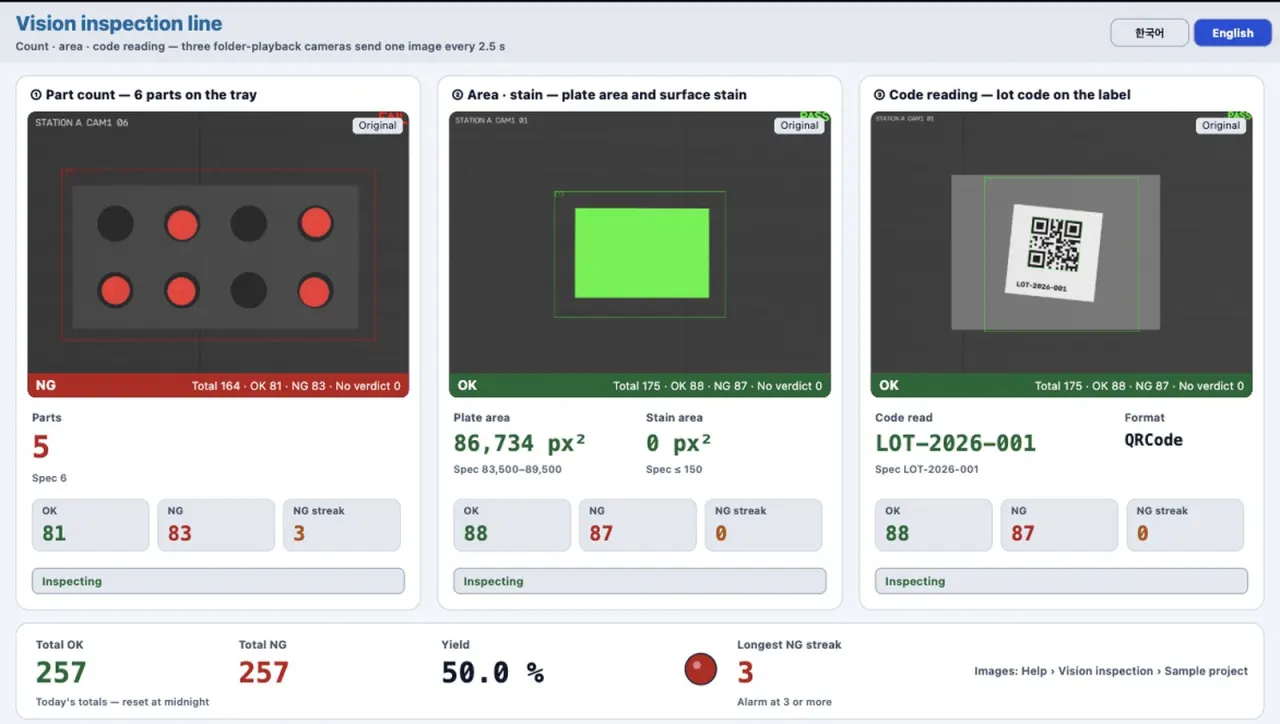
Vision inspection line
4 vision jobs · four stations (count, area, code, precision)
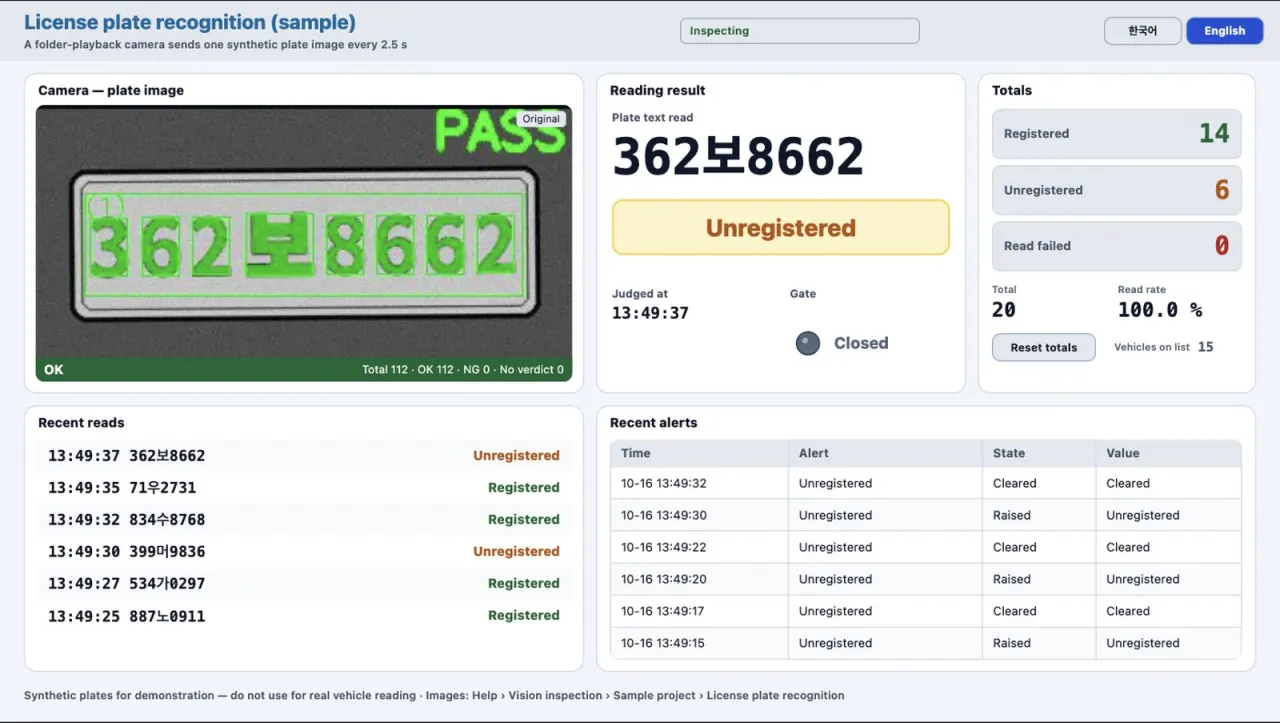
License plate recognition
1 vision job · 26 tags · 20 synthetic plates
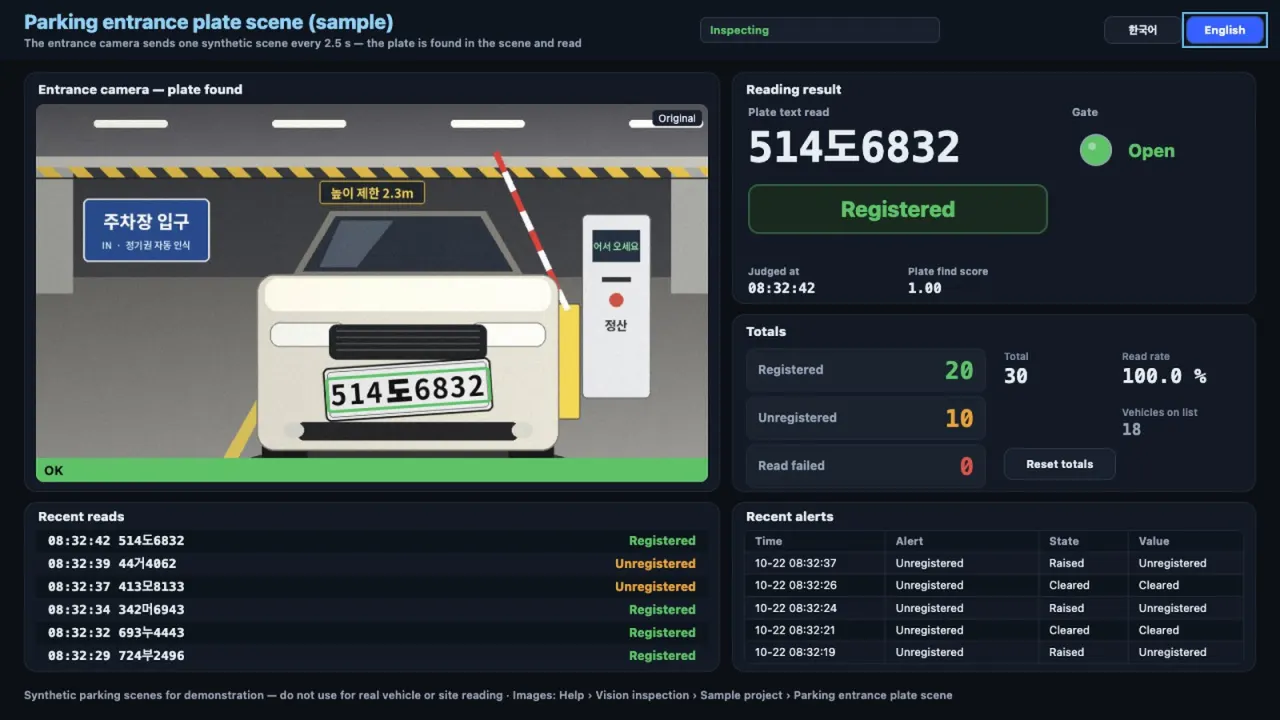
Parking entrance plate scene
1 vision job · 30 tags · 28 synthetic entrance scenes
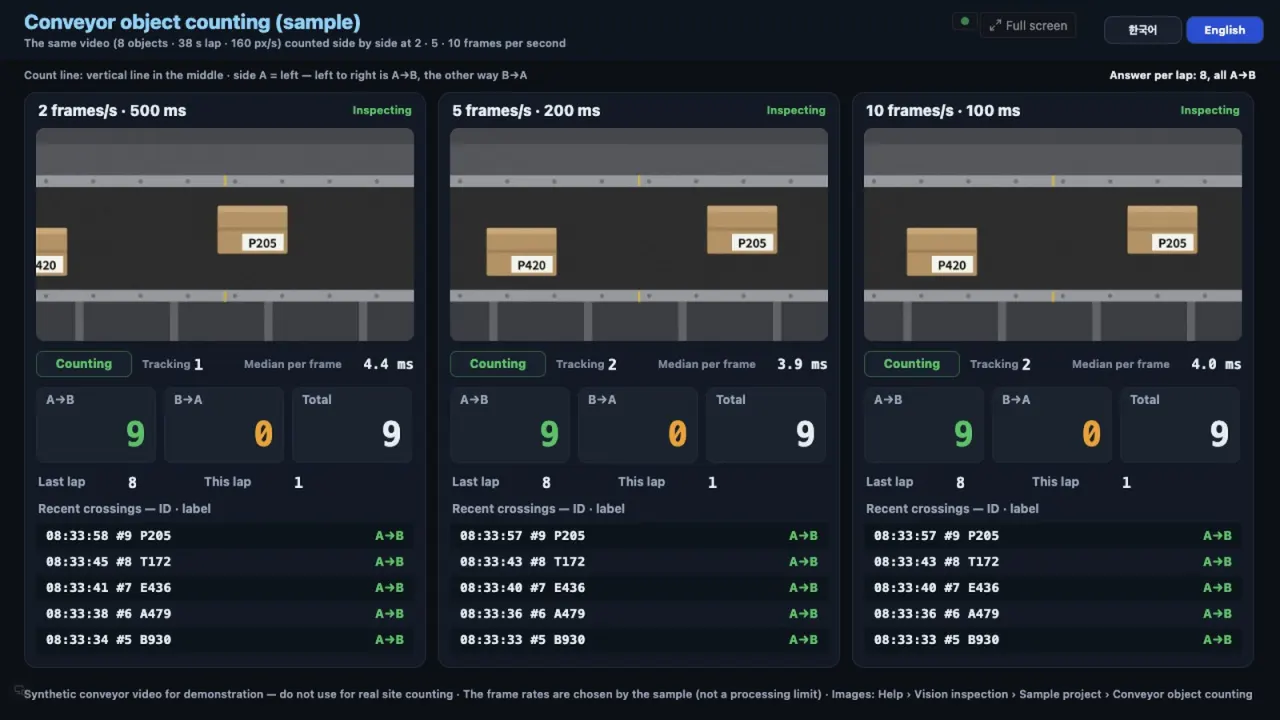
Conveyor object counting
3 vision jobs · 39 tags · 2, 5 and 10 fps side by side
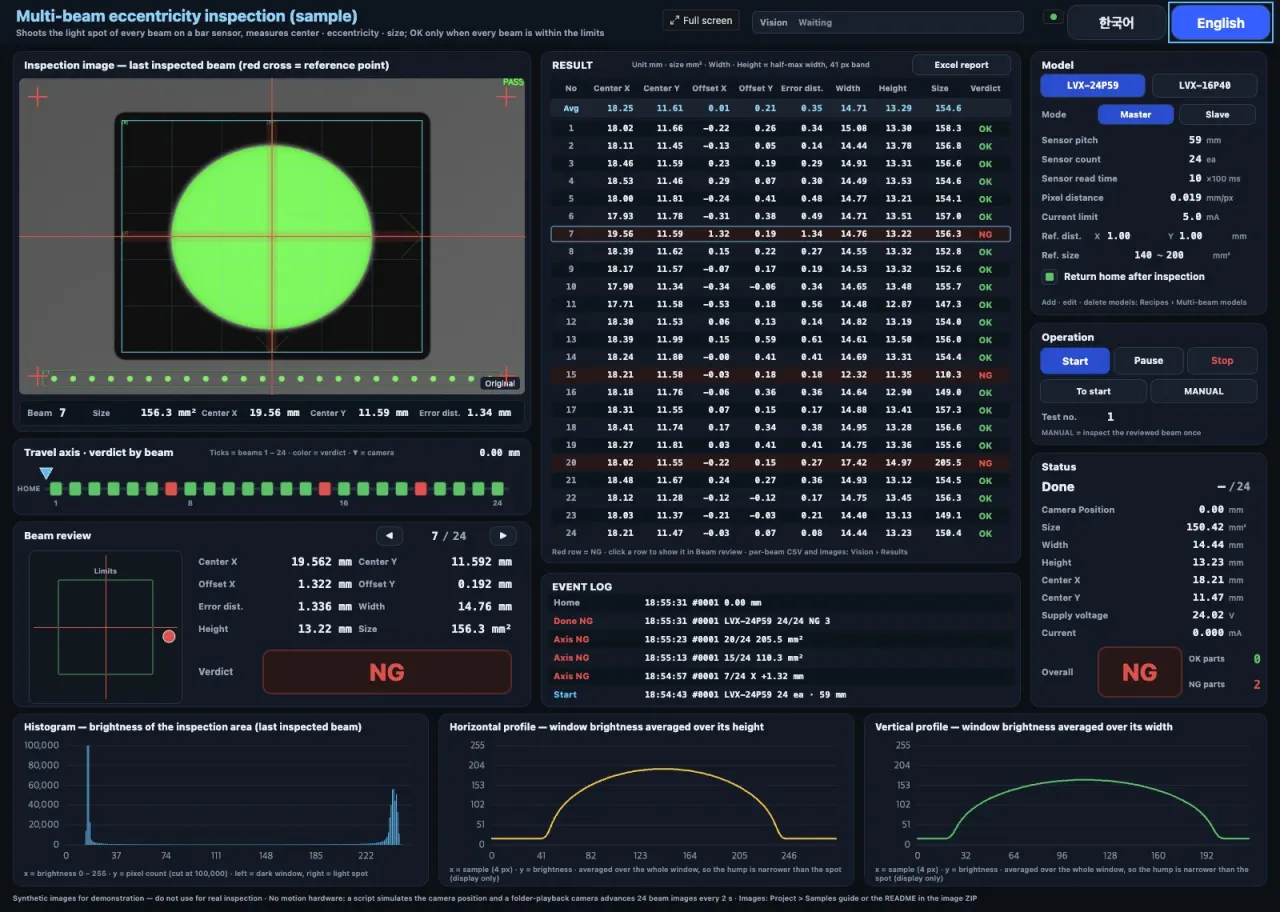
Multi-beam eccentricity inspection
1 vision job · 292 tags · 3 charts · 1 report
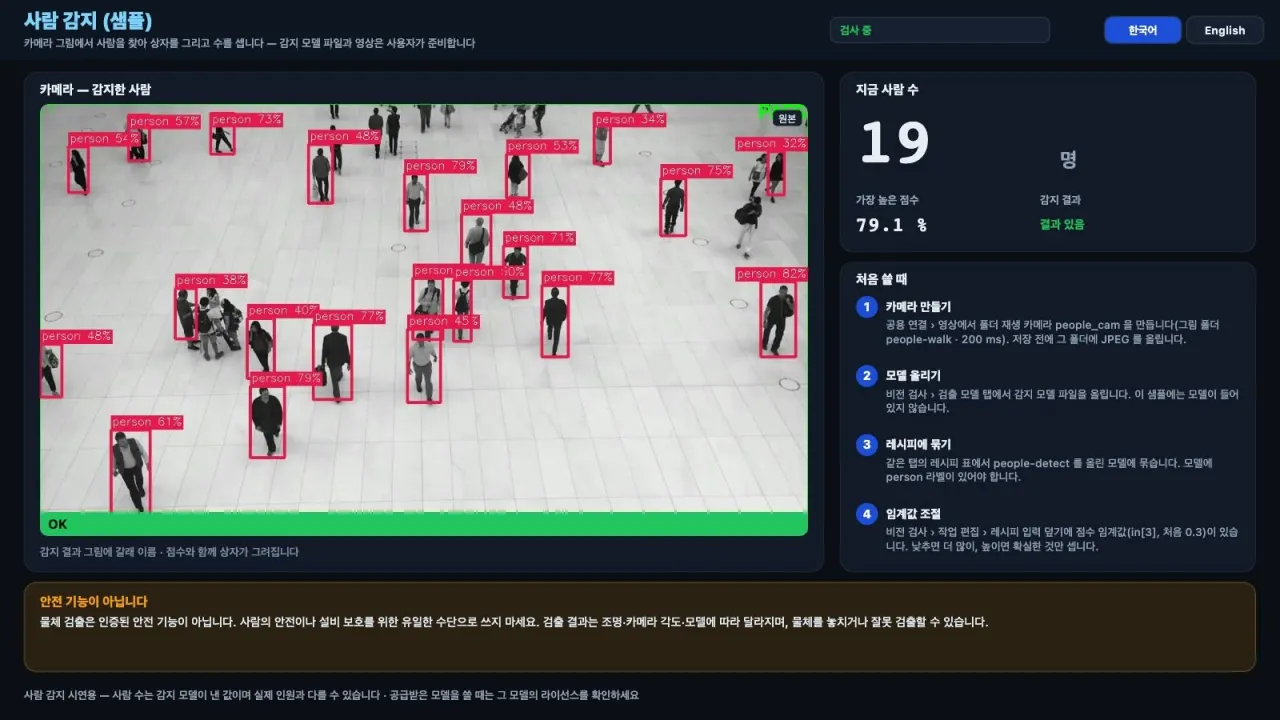
Person detection — detection model
1 vision job (object detection) · model and images supplied by the user
A recorded day as an example setup
There are also case pages where one sample is set up as a fictional site and a day of operation is recorded.